
Removing the "Powered by Qbit" badge
Turn off the Qbit badge at the bottom of your published pages.
Every published page shows a small "Powered by Qbit" badge at the bottom. On Premium and Team plans you can turn it off for all of your pages at once.
Turn the badge off
- Click your avatar in the top-right, choose Profile, then open General under Account settings in the sidebar.
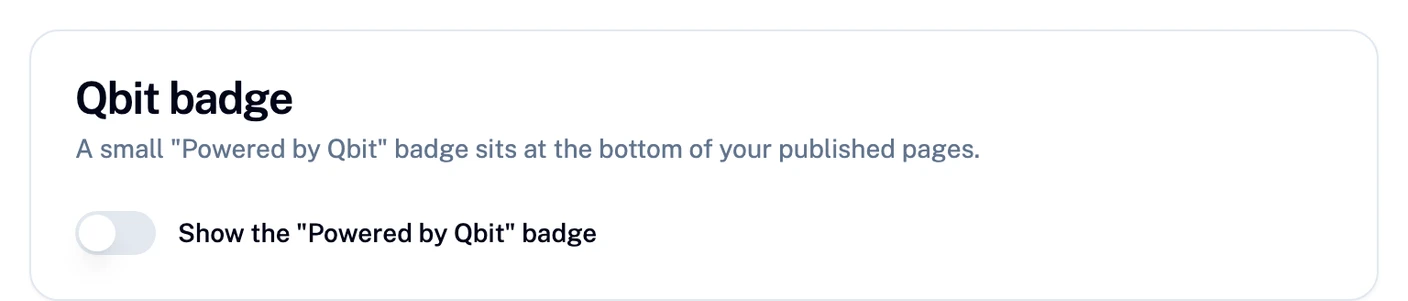
- Find the Qbit badge card.
- Switch off Show the "Powered by Qbit" badge.
The change applies to every published page in your account, and to previews. There's nothing to republish. Switch it back on anytime to show the badge again.
Who can change it
- Plan - removing the badge is included with Premium and Team. On Starter the switch is locked on; see Plans, upgrading, and billing.
- Role - on a team, owners and admins can change the setting. Editors can see it but not change it.
Still stuck? Email support@qbit.codes.