Navigating your dashboard
Where everything lives: codes, pages, menus, media, and settings.
A quick orientation, so you always know where things live.
The dashboard
Your home page after signing in. At the top, New page and New QR code buttons for the two most common jobs, plus four tiles counting your QR codes, Qbit pages, form responses, and media items.
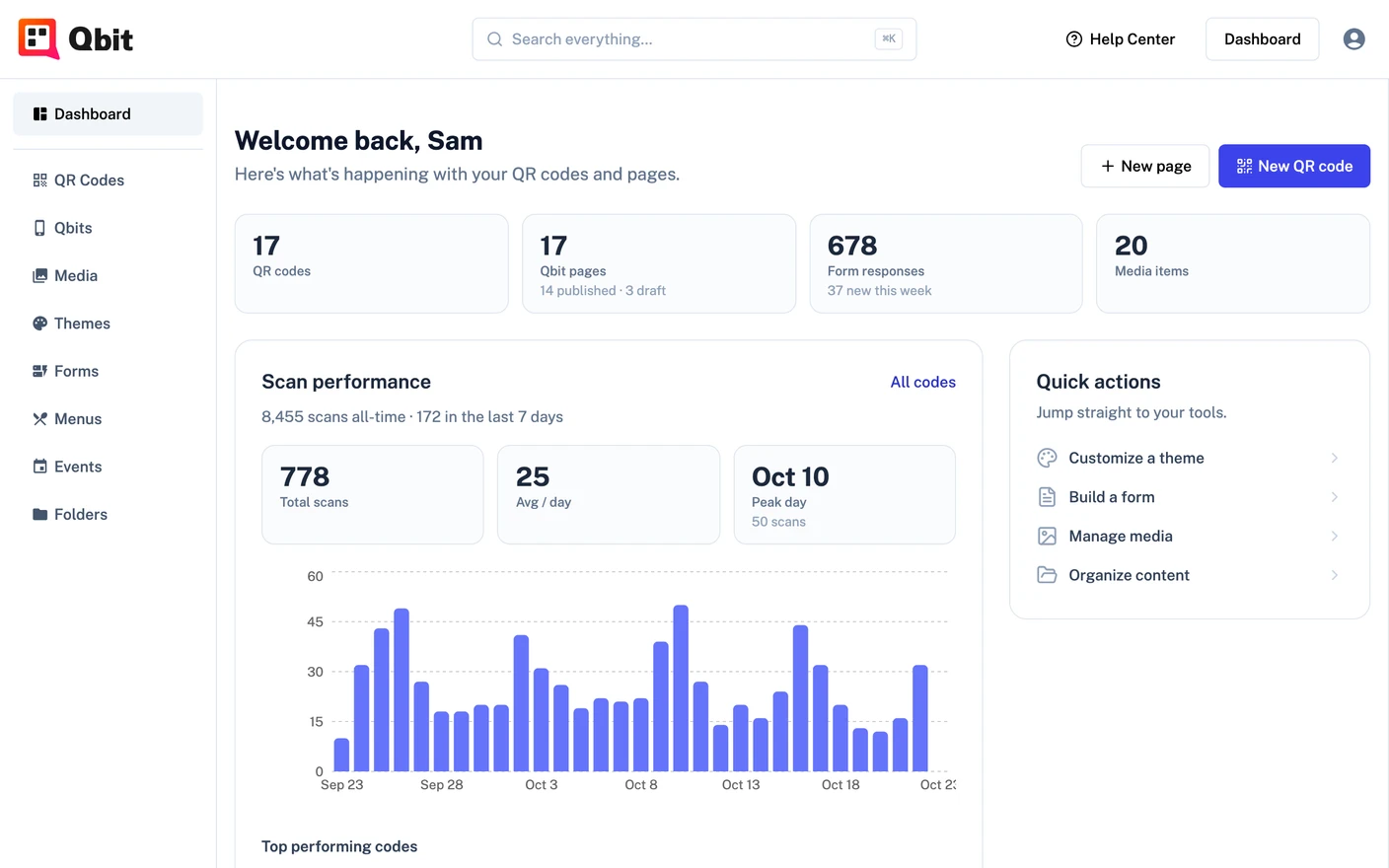
- Get started - a four-step checklist that walks you through your first code, page, publish, and upload. Once you've done all four, Quick actions takes its place: shortcuts to themes, forms, media, and folders.
- Scan performance - your scans over time and top-performing codes (Premium).
- Jump back in - the pages and codes you touched most recently.
The left sidebar
Dashboard at the top brings you back here. Below it, everything you build, one section each:
- QR Codes - create, design, and manage your codes.
- Qbits - your pages and the editor.
- Media - every image and PDF you've uploaded or imported.
- Themes - ready-made Qbit themes for your pages, and your own brand themes (Premium).
- Forms - build forms and read their responses (Premium).
- Menus - restaurant menus (Premium).
- Events - one-off and recurring events for your pages (Premium).
- Folders - group everything above by project, campaign, or client (Premium).
Search everything
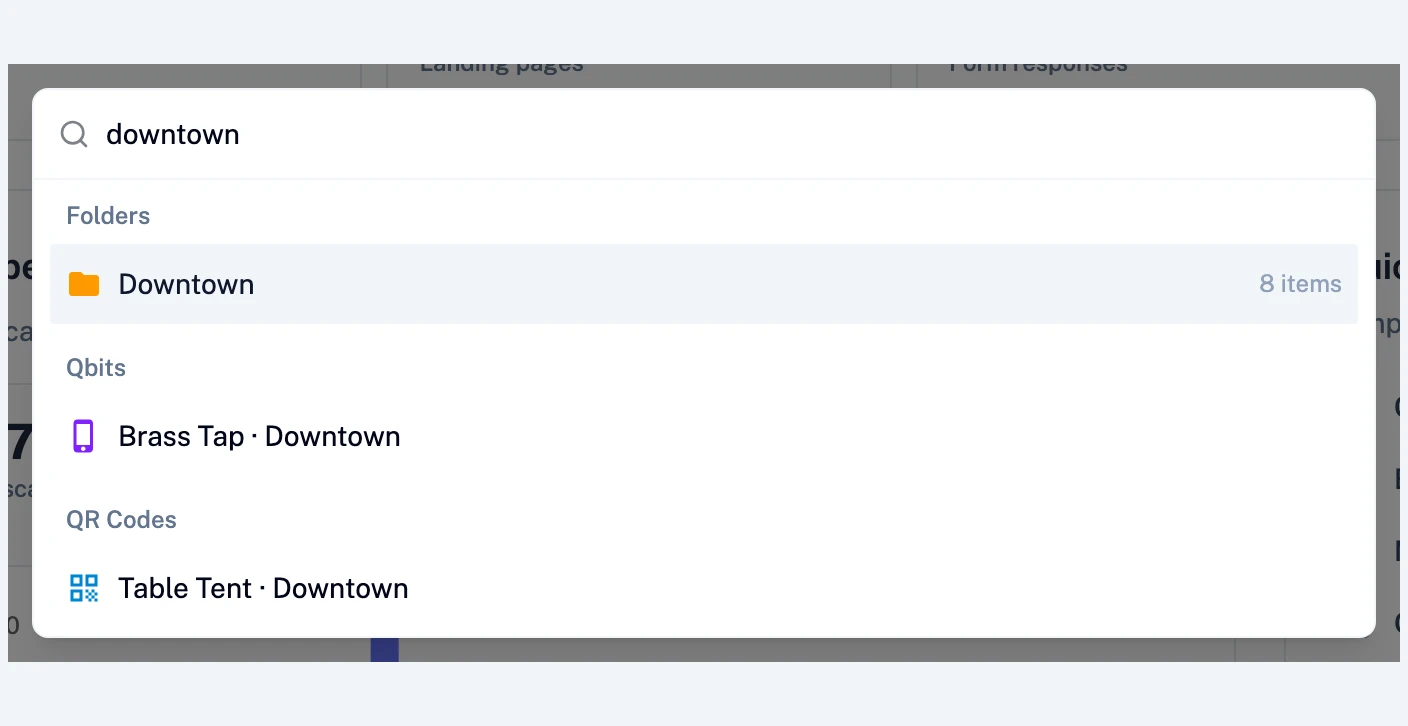
The search bar in the header (or Ctrl+K / ⌘K anywhere) searches across all of it at once - folders, pages, codes, media, themes, forms, menus, and events. Once you have more than a handful of items, this is the fastest way to move around.
Settings
Click your avatar in the top-right for Profile (your name, email, photo) and Billing. The settings area also covers your team and integrations - see Managing your profile and settings.
And of course: the Help Center link in the header brings you back here anytime.
Still stuck? Email support@qbit.codes.